

Urdu Phonetic Keyboard Layout is a keyboard layout that was especially designed for Windows. It allows you to type using characters in Urdu, the national language of Pakistan, which is also widely spoken in parts of India.
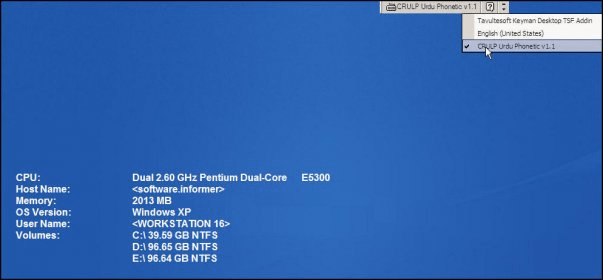
The keyboard layout is compatible with Unicode 5.1, which is a standard in the computing industry for encoding, representing and managing a text. The most recent version of Unicode is 6.1.0. After installing Urdu Phonetic Keyboard Layout, you are allowed to easily change the keyboard layout using the Language bar provided by Windows.
The Urdu characters will then be recognized by text editors or web browsers, however, there will be exceptions. For example, Notepad will not recognize the Urdu characters. When typing in popular browsers such as Mozilla Firefox, Google Chrome or Internet Explorer, the users will be able to write from right to left. There are three faces of the layout: Base, Shift and AltGr, common diacritics being placed on the Shift layout and less common ones being placed on the AltGr layout.
Briefly, Urdu Phonetic Keyboard Layout is a useful tool for the Urdu-speaking people, allowing them to type in their own language appropriately.


E2H Character Converter is a phonetic Hindi typing layout software.













Comments (8)